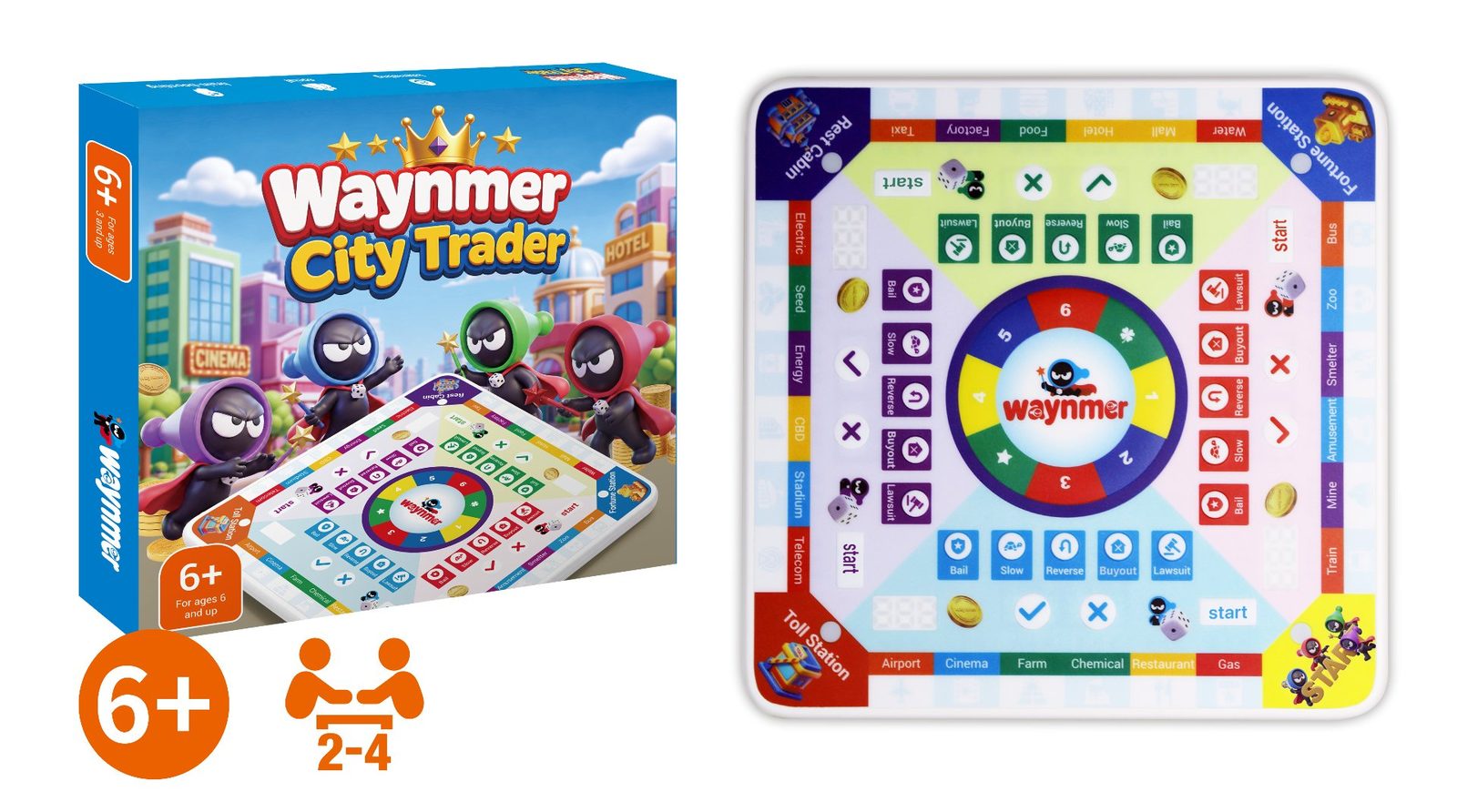
Five functions, five different possibilities
Waynmer City Trader includes five built-in electronic item functions. They are part of the game unit, not separate physical cards. Each function changes a different aspect of play.
Bail: avoid the Rest Cabin penalty
Bail activates automatically when available to prevent the player from serving the three-turn Rest Cabin penalty.
Slow: limit movement
Slow targets another player. For their next two consecutive turns, that player can move only one space per turn.
Reverse: change direction
Reverse can be used on another player or on yourself. It changes the selected player's movement direction and can create a different landing position. When used strategically on yourself, it can support a three-crossing START sequence that earns $300 in virtual START rewards.
Buyout: purchase a property
When a player lands on another player's property, Buyout allows the player to purchase it at its original purchase price, regardless of its upgrade level, without paying the usual rent. If the player declines, the function remains available for future use.
Lawsuit: send an opponent to Rest Cabin
Lawsuit sends a targeted player to Rest Cabin for three turns. If that player has an available Bail function, Bail automatically activates to prevent the penalty.
Different choices shape the game
The five functions create different ways to respond to movement, property ownership, and other players. Understanding when and how to use them can add another layer of strategy.